
Want to use resources designed for Google Drive on a different distance learning platform?
Maybe your school uses Microsoft Teams, Canvas, NearPod, Edmodo, or SeeSaw.
One of my most asked questions is “can I use your product on _______?” (insert Microsoft Teams, Canvas, NearPod, Edmodo, Schoology, or SeeSaw here).
Guess what?
The answer is YES!
Below, find the distance learning platform that your school uses and read how to upload Glitter in Third Google Drive resources to it.
Any distance learning platform that allows you to upload a PowerPoint will allow you to use a Glitter in Third digital resource with students!
I originally learned how to upload Google Slides to these various educational apps from the very talented Danielle Knight (you can check out her TPT store here!).
Google Drive: a cloud-based “file cabinet” for your digital files. Within this are the following creation tools:
Google Classroom: a way to make your students and classwork more organized (allows teachers to create classes, collect/grade assignments, communicate with students). This is similar to Edmodo or Canvas)
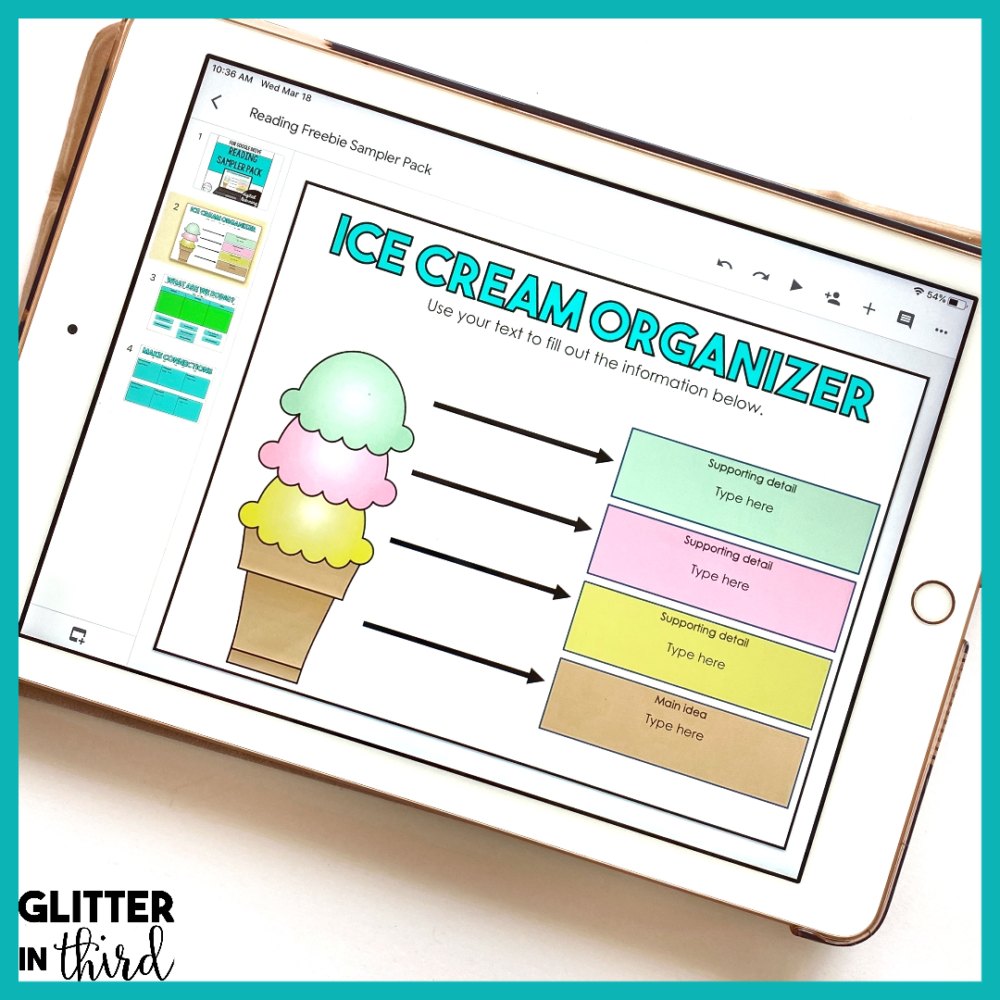
Glitter in Third on TPT has hundreds of digital activities for every distance learning platform, including:
If you are looking for something specific, feel free to email me at Kelly@GlitterinThird.com. I’d love to give you recommendations and help you find the perfect resource for your needs and students.